Add-on · Ordering
The order leaves the floor plan and lands in the kitchen instantly.
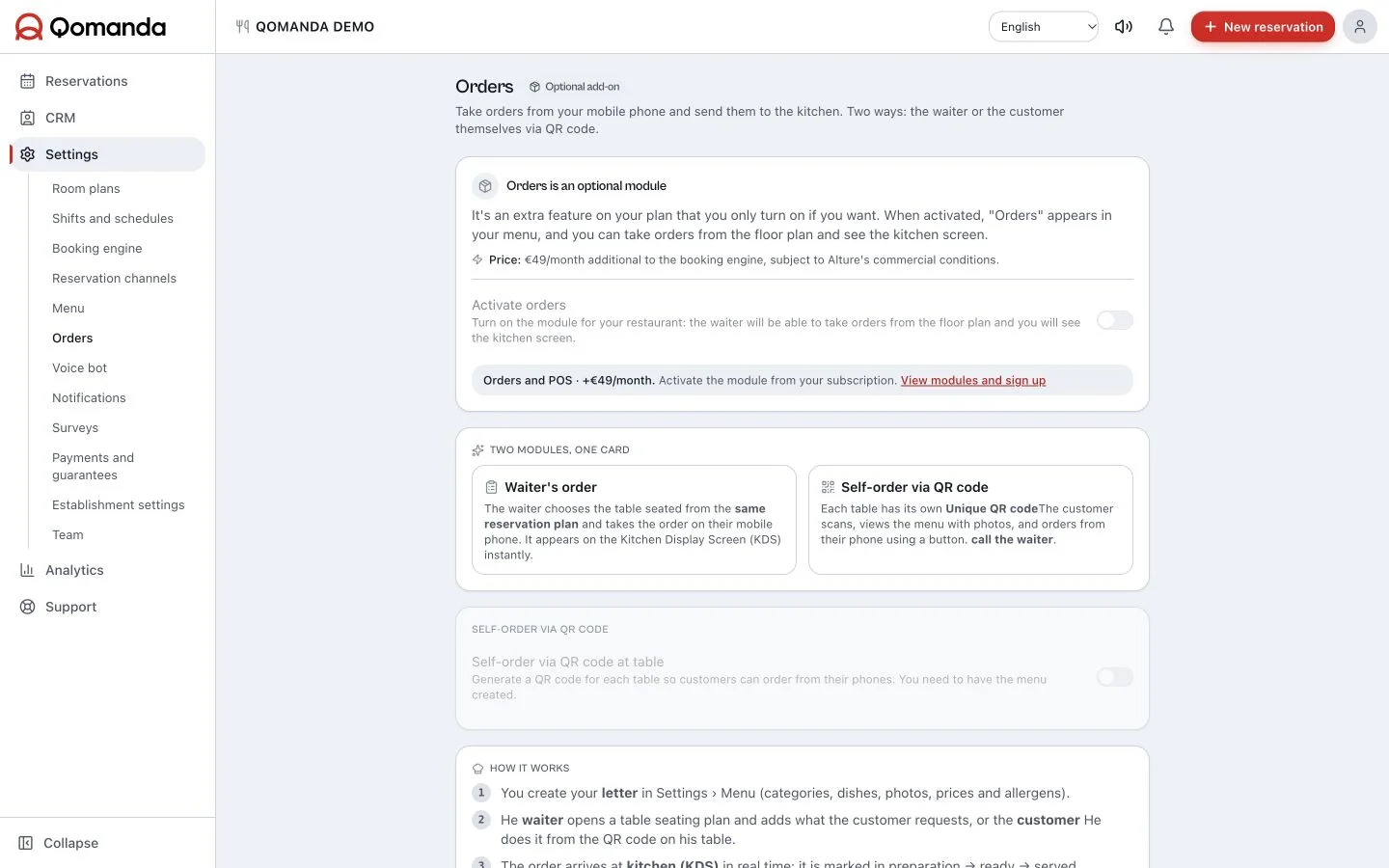
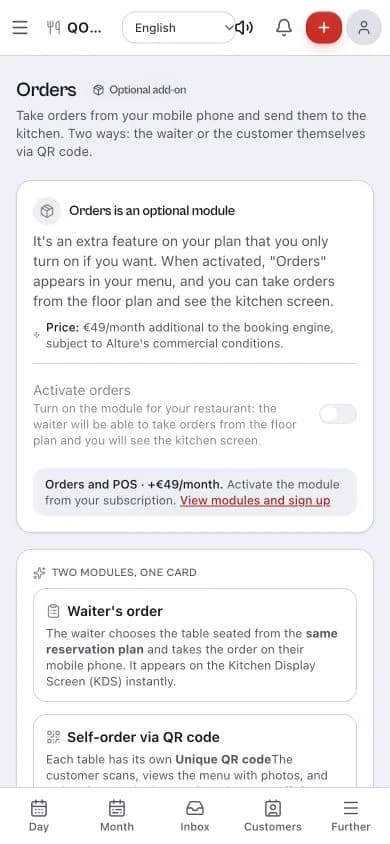
Comandas is Qomanda's ordering module. The waiter taps the table that's already seated on the floor plan and fires the order from their phone; the kitchen sees it there and then on its screen; and guests order themselves with the table's QR if that suits you. The floor stops walking back to the bar and the order stops being written twice. It's an extra you switch on when you want it: the €49/month for reservations stays €49/month.
The table already knows who sat down.
Taking the order inside Qomanda saves you the most expensive step of the service: starting from scratch. That table comes from a reservation, so you already know whose it is, how many they are, whether allergies are noted on their profile and how long they've been seated. The waiter doesn't key the table into another system or reconcile two different screens.
That's why Comandas isn't a generic POS bolted on the side: it's the same floor plan you use during service, with ordering on top. You tap the table, take the order, and move on.
The waiter orders from their phone, without walking back to the bar.
They open the table from the plan, add dishes from your menu and fire the order. Every line takes its own note —"medium rare", "no onion", "dessert later"— and the kitchen reads it exactly as written.
Every dish carries its price and its allergens, so the menu stops living in the head of whoever has been there longest. And when the table closes, its ticket comes out with the detail of what was consumed.
A kitchen screen the floor can read too.
The kitchen screen (KDS) shows the orders in progress and the state of every line: pending, preparing, ready, served. The kitchen marks what's going out and the floor sees it without walking in to ask.
The order arrives written, complete and legible at half nine on a Saturday, with no paper to get wet or misfiled. And because everything runs through one place, how long each table takes stops being a hunch and becomes a number.
The table's QR: they order, you serve.
Each table can have its own QR. The guest scans it, sees your menu with photos and prices, and orders from their phone. There's also a button to call the waiter, which pops up as an alert on the floor.
You decide how much rope to give it: QR orders either go straight to the kitchen or wait for the waiter's approval, which is the sensible setting with big groups and the odd joker. And payment can happen at the table with the waiter, as always, or online on the spot if you enable online charging on your own Stripe account.
It does one job, and it does all of it: the service.
Comandas covers the service end to end: your menu, waiter ordering, the kitchen screen, QR self-ordering and the ticket when the table closes. All of it on the same floor plan and leaning on the reservations you already manage, which is exactly what a standalone POS can't do.
That's where all the engineering goes. Accounting, inventory and cost control stay wherever you keep them: Comandas doesn't force you to change them and doesn't compete with them — it makes the floor and the kitchen move as one when the room is full.
The price sits outside the €49/month for reservations and fits your case. Email hola@qomanda.es and we'll give you the figure.
From menu to kitchen, in four steps.
- 01
Build your menu
You create your categories (starters, mains, desserts, wine) and add each dish with its price, photo and allergens. That one menu feeds both the waiter's ordering screen and QR self-ordering: written once, used twice.
- 02
Switch the add-on on
Comandas shows up in your sidebar the moment it's enabled. While it's off, your team sees exactly the reservations app they already know, with not one extra option.
- 03
Take the order from the plan
The waiter taps a seated table, adds dishes and fires the order. Per-line notes reach the kitchen exactly as written.
- 04
The kitchen sees it and marks it
The kitchen screen receives the order and marks each line as it goes out. When the table closes, its ticket is generated, with the detail of what was consumed.
Before you make the move.
What restaurants thinking about switching usually ask us. No fine print.
No: the €49/month per restaurant covers everything reservation-related (your own booking engine, floor plan, CRM, analytics, waitlist, reminders and deposits), and that fee doesn't move. Comandas is the service module and is contracted separately, at a price that fits your case: email hola@qomanda.es and we'll give you the figure.
The next service is yours.
Try the software with your own room. If you want to discuss your setup first, write to our team.
Try Qomanda freeTell us about your restaurant